Organisation mark
The organisation has three versions of the mark. They share the shape with the templates and differ only in colour.
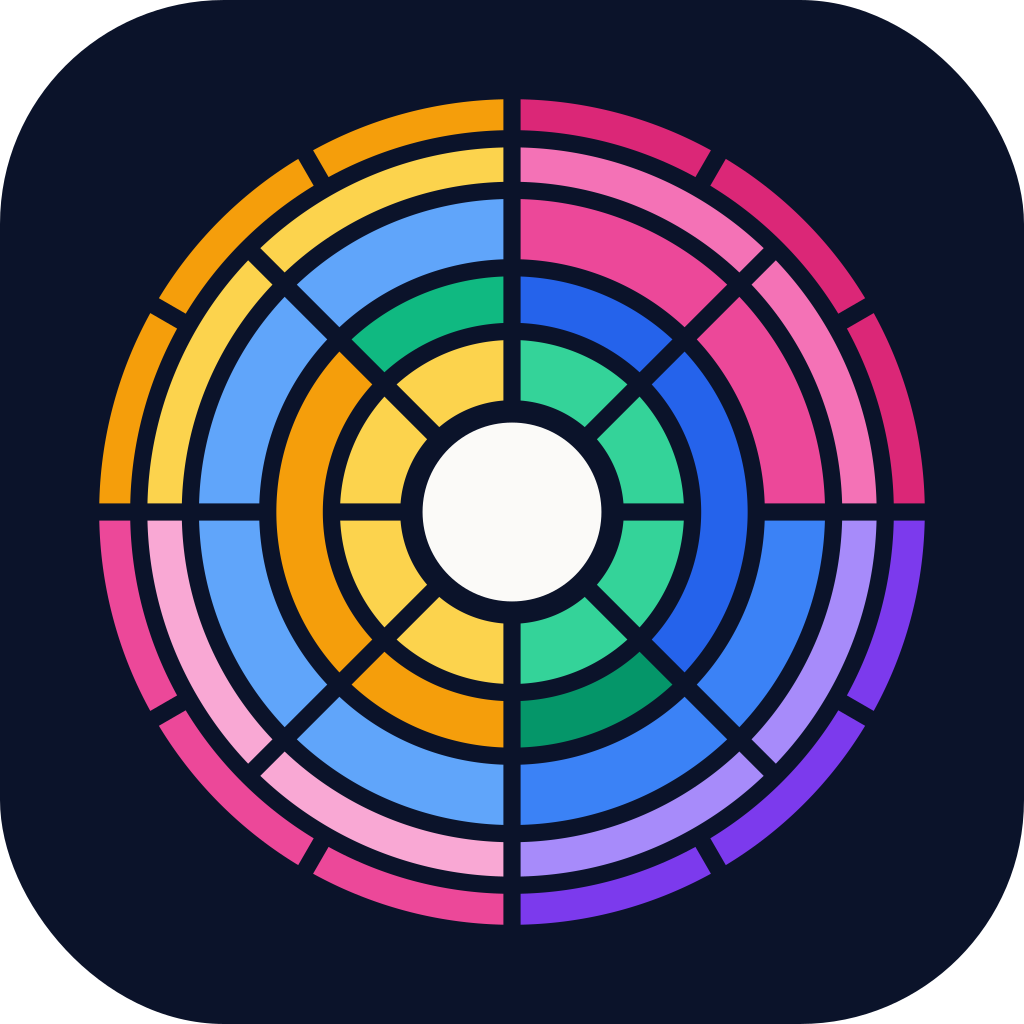

Spectrum, the default
Section titled “Spectrum, the default”Spectrum carries all five template hues, arranged as in the original full-colour master and shaded with the same light-left rule as everything else. It’s loud on purpose.
Use spectrum everywhere the organisation shows up: the avatar on GitHub, NuGet.org and Docker Hub, favicons, the organisation profile banner, link previews, the hero of an organisation website, and stickers. At 48 pixels and below, use the small version, which keeps the core and two rings so it still reads as a ring of colour.
Slate, the quiet one
Section titled “Slate, the quiet one”Slate uses no template colour at all, just cool greys on ink. Use it when spectrum would be too loud: a slide crowded with template marks, a sponsor wall of other logos, or anywhere a calm, neutral version reads better.
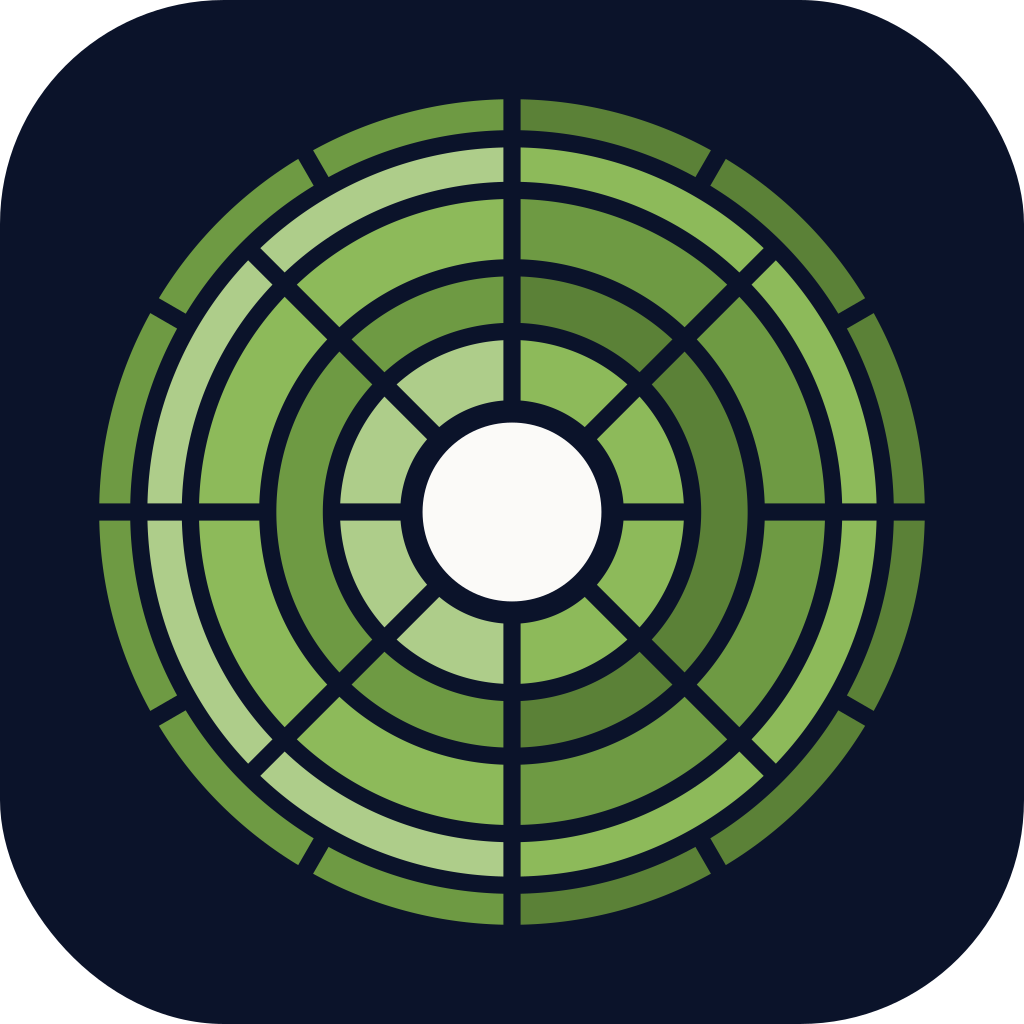
Leaf, the alternative
Section titled “Leaf, the alternative”Leaf is the green the earlier Clean templates and their documentation used. It’s also the accent colour for organisation-level websites, like this one, because a mark with five colours can’t be a link colour. Use the leaf mark when you want the organisation to feel warmer, or to match a page that uses the leaf accent.
Why spectrum is the default
Section titled “Why spectrum is the default”The organisation mark has one job: to say “these all belong together”. Spectrum does that literally, because it holds every template’s hue. Next to a template’s icon on NuGet.org, it reads as the family that template belongs to. It’s also the version people remember.
 Part of Lean Mean Clean Apps
Made by the Lean Mean Clean Apps team with strong coffee and a healthy disregard for pomp and ceremony. Not affiliated with Uncle Bob, a certain billionaire's chest piece, or anyone with a marketing budget.