Template marks
 Minimal APIEmerald
 Model Context ProtocolViolet
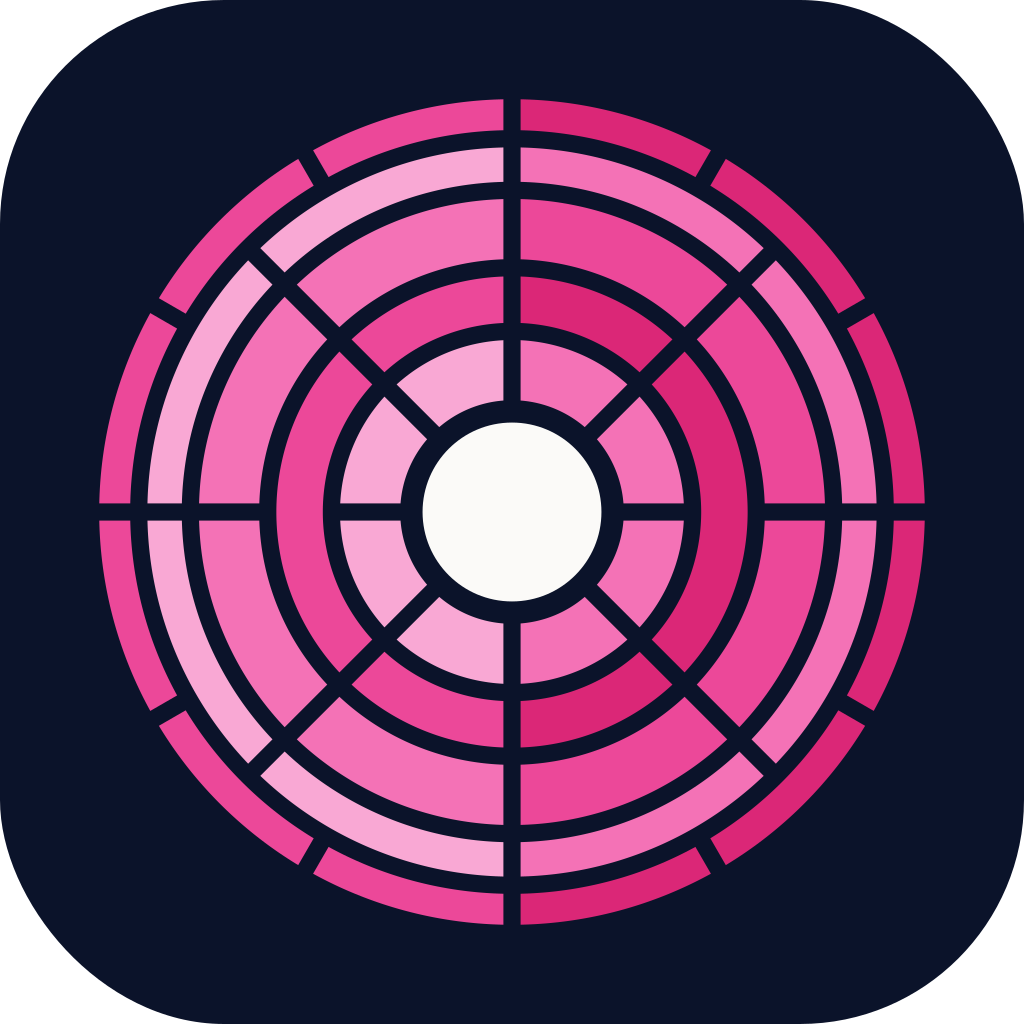 GraphQL APIPink
 Web APIBlue
 Lambda FunctionAmber
 gRPCCyan, reserved
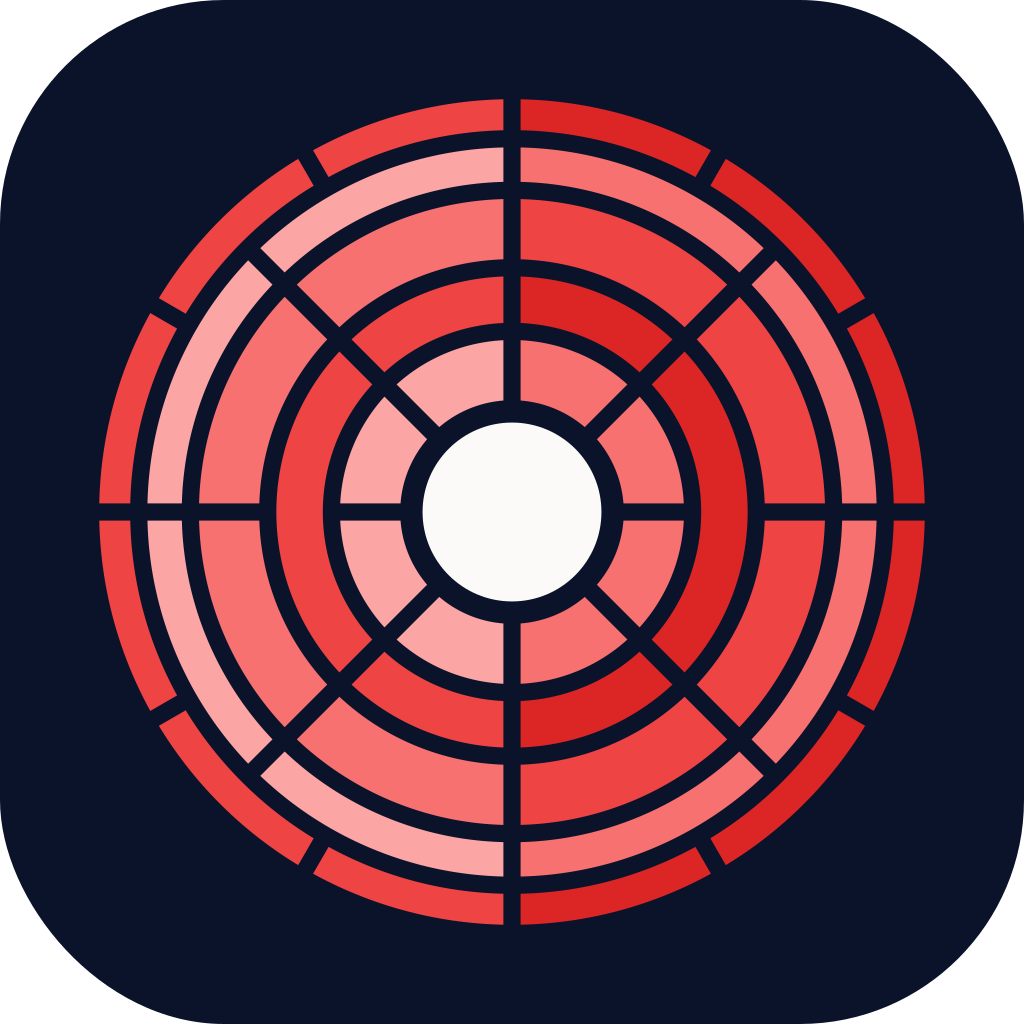 WorkerRed, reserved
 CLILime, reserved
Who gets which hue
Section titled “Who gets which hue”| Template | Repository | Package | Hue |
|---|---|---|---|
| Clean Minimal API | CleanMinimalApi | CleanMinimalApi.Template |
Emerald |
| Clean Model Context Protocol | CleanModelContextProtocol | CleanModelContextProtocol.Template |
Violet |
| Clean GraphQL API | CleanGraphQLApi | CleanGraphQLApi.Template |
Pink |
| Clean Web API | CleanWebApi | CleanWebApi.Template |
Blue |
| Clean Lambda Function | CleanLambdaFunction | CleanLambdaFunction.Template |
Amber |
Reserved hues
Section titled “Reserved hues”Three hues are held for templates that might come next. Their marks are generated so the slots are visible, but nothing uses them yet. Think of them as chairs at the table for guests who haven’t RSVP’d.
| Possible template | Hue |
|---|---|
| gRPC | Cyan |
| Worker | Red |
| CLI | Lime |
The hues are spread around the colour wheel so no two templates sit close together. Red is used for workers rather than rose, because rose sits too close to GraphQL’s pink once it’s shaded.
Adding a template
Section titled “Adding a template”- Pick a hue that’s well away from the ones in use. The reserved hues are the obvious first choices.
- Add the template to
templatesinscripts/brand.mjs. - Run
npm run build. Its logos, social preview, tokens and Starlight theme all appear.
 Part of Lean Mean Clean Apps
Made by the Lean Mean Clean Apps team with strong coffee and a healthy disregard for pomp and ceremony. Not affiliated with Uncle Bob, a certain billionaire's chest piece, or anyone with a marketing budget.